The Money Year
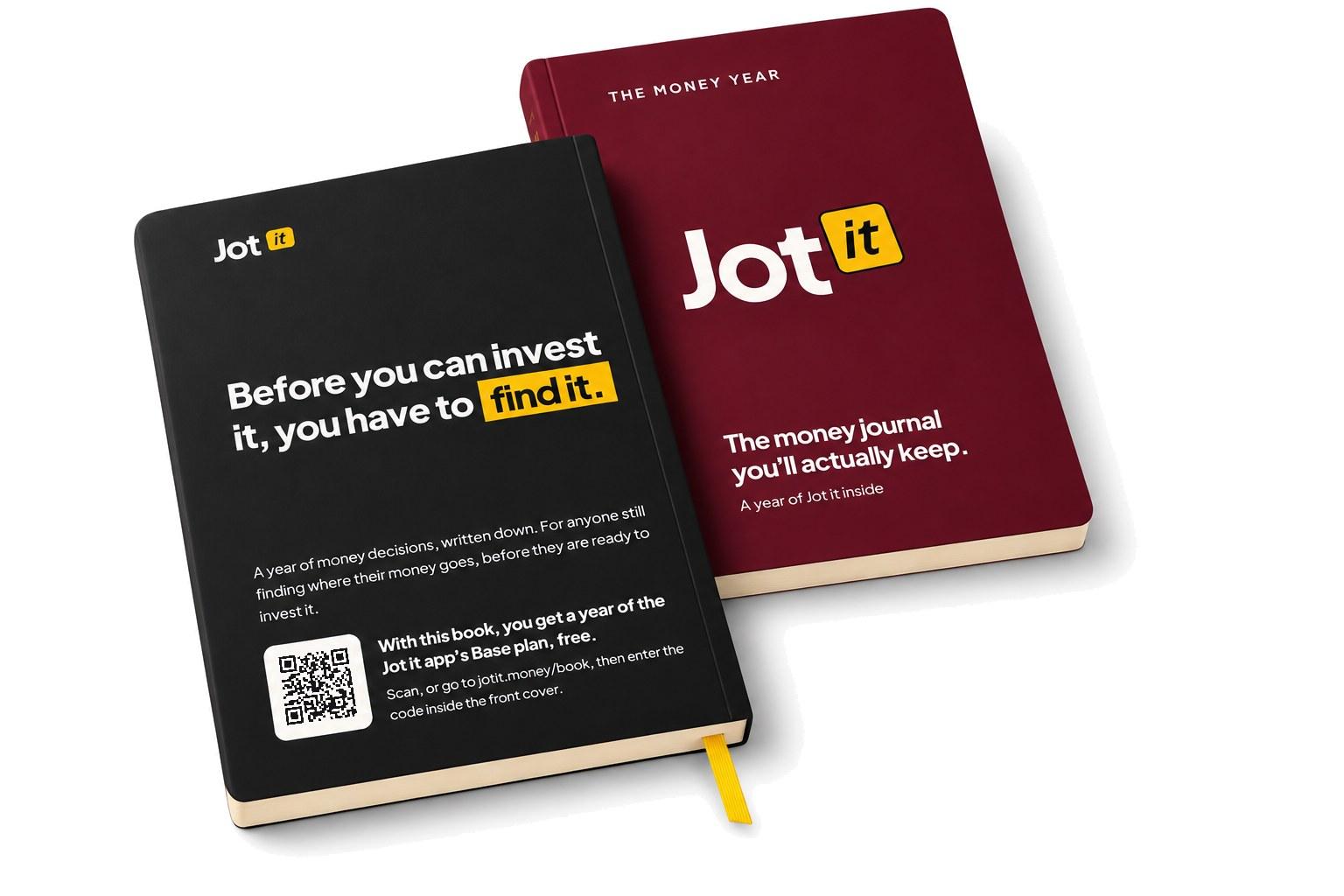
Your book comes with a year of Jot it
The code on the sticker inside your front cover gives you a free year of the Jot it app’s Base plan. The book is for planning; the app is where you log each spend. Setting it up takes two minutes.
New here? Once you’ve confirmed your email and chosen a passphrase, come back to jotit.money/book and tap “I already have an account”, or open Account and choose Have a code?
Three steps
1
Create your account
A nickname and your email, or continue with Google. Already use Jot it? Skip this step.
2
Enter your code
It’s on the sticker on page 3: 8 letters and numbers, like 7KQ2-MX9D. Log in, then type it in on the Redeem page.
3
Start with Period 01
Set your allocation in the app, then open the book and plan your first period.
Good to know
- One code, one account. Redeem it within 90 days of buying the book.
- Any trial days you have left are kept, and the free year starts after them.
- Nothing is charged, now or when the free year ends.
- Already paying for Jot it? Write to support@jotit.money with your code and we’ll add the year to your plan.
- Sticker missing or not working? Write to the same address with your order number.